Branding
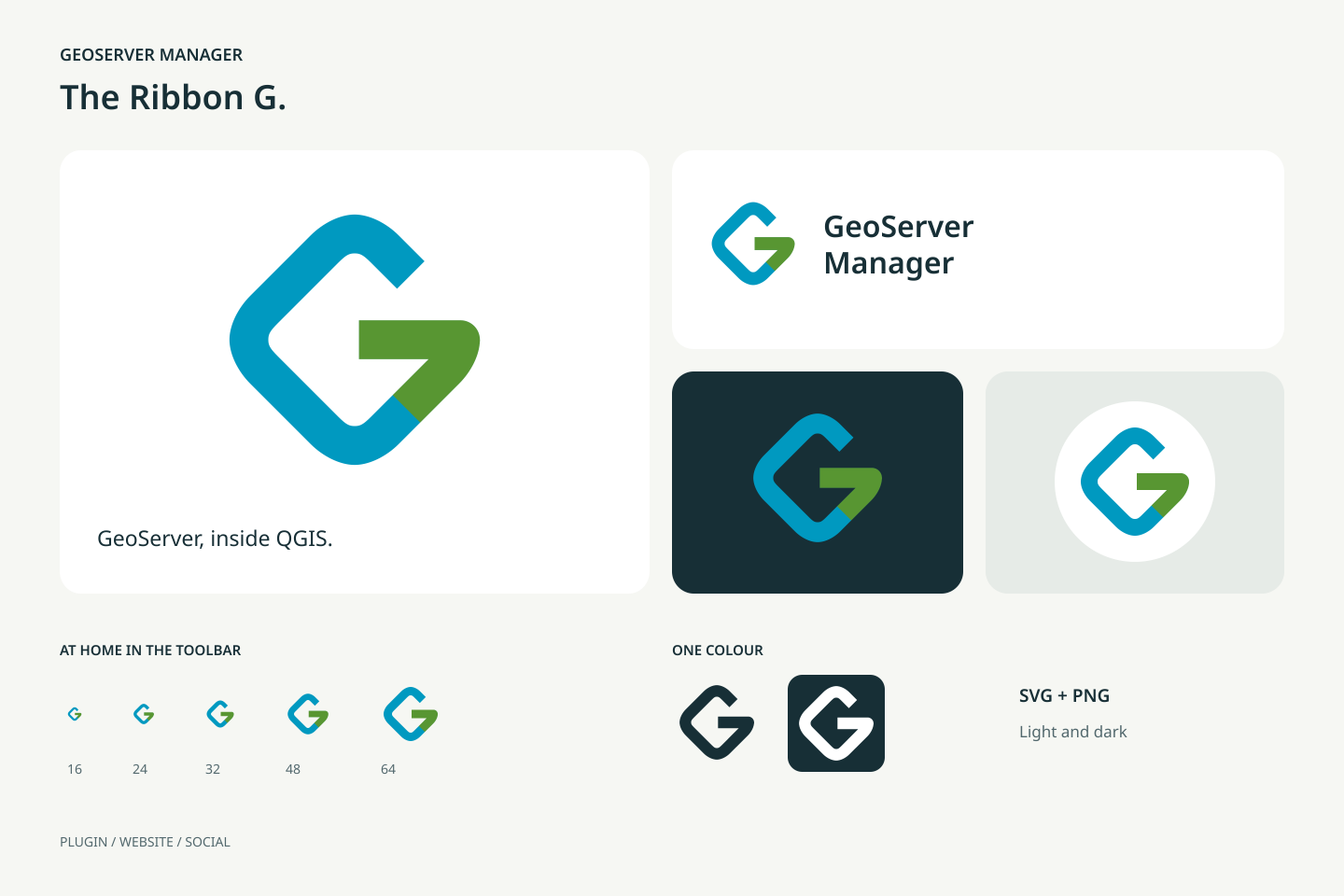
The Ribbon G is the GeoServer Manager logo. A blue ribbon follows the outline of a rounded map tile, then bends inward in green to form a G. The diamond and the blue refer to GeoServer; the green connects the identity to QGIS. The open shape works at toolbar size and in a single colour.
Downloads
Download the complete brand kit.
Use |
Files |
|---|---|
Scalable icon |
|
Transparent PNG |
|
Website header |
|
Browser favicon |
|
Social avatar, 1024 × 1024 |
|
Social sharing, 1200 × 630 |













The avatars leave room for a circular profile crop. The PNGs are ready to upload. Use the SVGs for websites and for resizing. The wordmark uses DejaVu Sans with a sans-serif fallback. The icon itself depends on no font.
Colours and spacing
Colour |
Hex |
Role |
|---|---|---|
Green |
|
Inward bend forming the G |
Blue |
|
Outer map-tile ribbon |
Ink |
|
Text, dark background, single-colour mark |
Paper |
|
Light background |
Keep the icon square. In a standalone layout, leave clear space of at least one eighth of its width outside the canvas. At 16 px, use the symbol alone. Use the white version on a busy or coloured background where the full-colour mark has too little contrast. Do not add outlines, gradients or shadows.
Visual references: QGIS’s green and GeoServer’s blue geographic diamond. The artwork is drawn from scratch for GeoServer Manager, an independent plugin.
Updating the assets
The source is geoserver_manager/resources/images/geoserver_manager.svg.
Everything in docs/static/branding/, and the 256 px
resources/images/default_icon.png that the plugin metadata points at, is
rendered from it by the maintainer. Do not edit the exported files by hand.
Open an issue or a pull request that changes the SVG instead. The toolbar,
the menus and the settings render the SVG directly through the shared icon
renderer; the website uses the SVG and the multi-size favicon.
Interface icons
The navigation, the row actions, the settings, the help and the layer-tree
menu share original SVG artwork. The
icon style guide records the thin-stroke
rules and how to register a new icon. catalog.json tracks the custom
artwork and the pending fallbacks. An optional gallery can be generated
locally for visual review; it is not committed or published with this site.